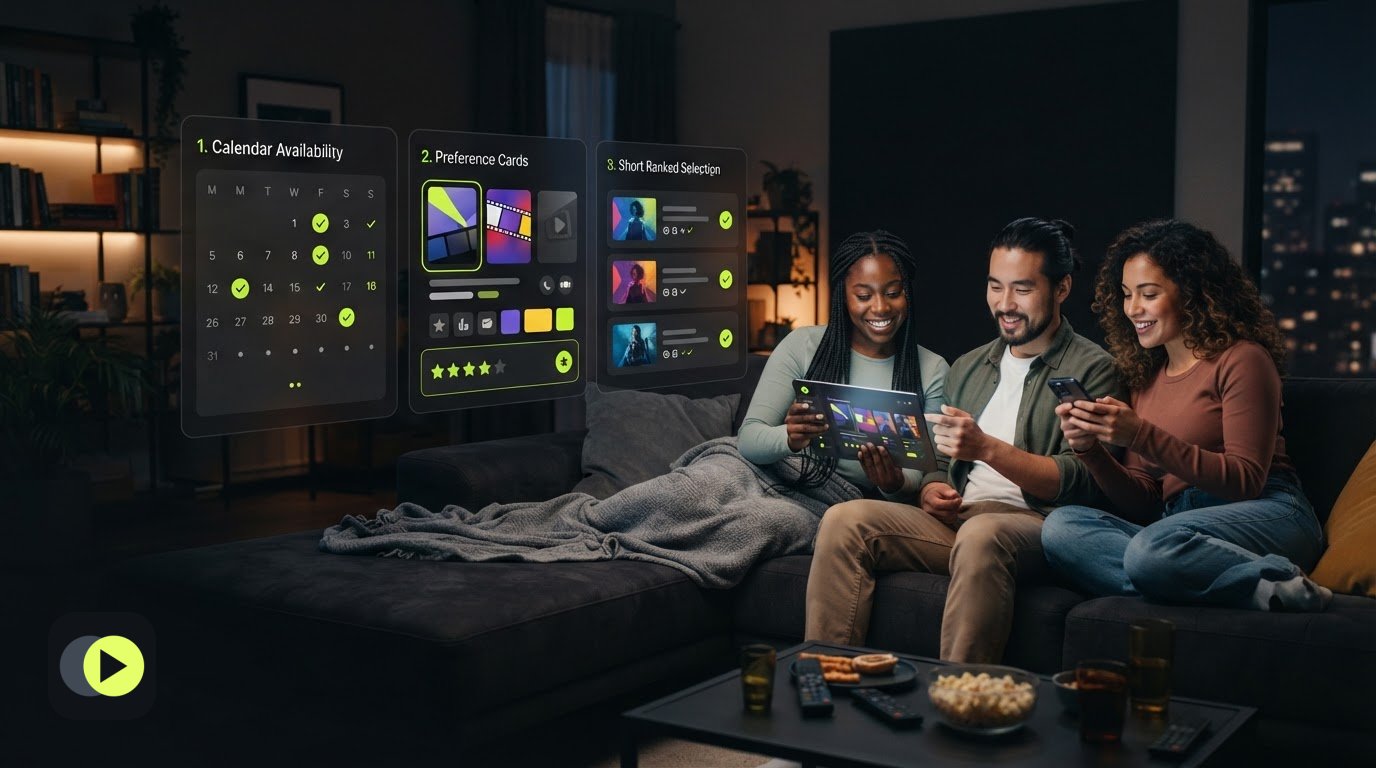
What if movie night gets easier when you stop trying to pick the movie first? Group chats can quickly fill with schedule updates, scattered suggestions, and familiar titles that keep coming back around. To coordinate movie night with friends, start by finding a time that works, then give everyone a clear way to share what they’d watch.
This guide lays out a practical process: compare availability, collect preferences, narrow the choices, and keep the plan easy to find. You’ll also learn how to avoid treating silence as agreement. Unscene lets members compare and rank movie and TV candidates in a shared room. It helps organize the choice, but it doesn’t stream the movie.
A ranking helps organize the choice, but it doesn’t mean everyone agrees, has replied, or will attend. Treat the top option as a useful starting point, not a unanimous decision. If the group has a clear objection or the title isn’t available to everyone, move to the backup or invite further input.
Plan next steps in shared rooms; don't assume all joined
A shared room can hold candidate titles, rankings, and plans for a future viewing night. Members can use it to compare options and organize next steps. Treat the room as a planning record, not proof that everyone agrees, will attend, or has watched the selected title.
Check invitations directly. A recipient must sign in and select “Join now” to join the room. An invitation email alone doesn’t confirm that they joined. If someone’s response affects the plan, ask them to confirm separately instead of assuming they saw the invitation or will be there.
Check title availability and close the loop with the group
Before settling on a movie, verify the exact title or season, region, subscription plan, price, and current availability with the destination service. Title details and viewing options come from third parties and may be incomplete or delayed, so don’t rely on an old message or listing as a final check.
Share the final date, selected title, backup, and where to find the movie. Ask invitees to confirm the plan separately. This gives the group a clear next step while keeping the plan distinct from actual attendance or agreement.
Make your next movie night easier to plan
Separate the date from the movie decision, gather preferences before suggesting titles, and keep a short ranked list with a backup. These steps make it easier to coordinate movie night with friends without asking one busy chat to manage every detail.
Unscene gives members shared rooms to compare and rank candidate titles. Members can also save private watched and watch-interest choices. Use those tools to organize the decision, not to assume everyone has joined, agreed, or will attend.
Start with a clear date and a few options. Then use Unscene’s movie-night planning guide to organize the group’s choices.
Frequently Asked Questions
How do you coordinate a movie night with friends?
To coordinate movie night with friends, start with availability: ask people to mark workable dates before discussing titles. Then collect broad preferences, such as genre or mood, and offer a short candidate list. Use a poll or shared note to keep the date, choices, and final plan easy to find. Ask invitees to confirm the selected time.
How can a group choose a movie when everyone has different tastes?
Gather preferences before suggesting specific titles, then choose a short list with options people are willing to consider. Ask friends to rank the candidates and keep a backup in view. Unscene members can compare and rank choices in a shared room, but a ranking helps organize the decision. It doesn’t guarantee unanimous agreement.
Can a shared movie-night plan guarantee that everyone will attend?
No. A shared plan records the intended date and movie, but it can’t confirm attendance, a completed watch, or agreement from everyone. Ask invitees to confirm separately. If you send an Unscene invitation, the recipient must sign in and select “Join now” to join the room. An invitation email alone doesn’t confirm that they joined.
Does Unscene stream movies or sync playback for a group?
No. Unscene is a movie and TV discovery and group-planning web app, not a streaming or synchronized-playback service. Members can compare and rank candidate titles and plan a future viewing night. Once your group picks a title, check the destination service for the exact movie or season, region, subscription plan, price, and current availability.