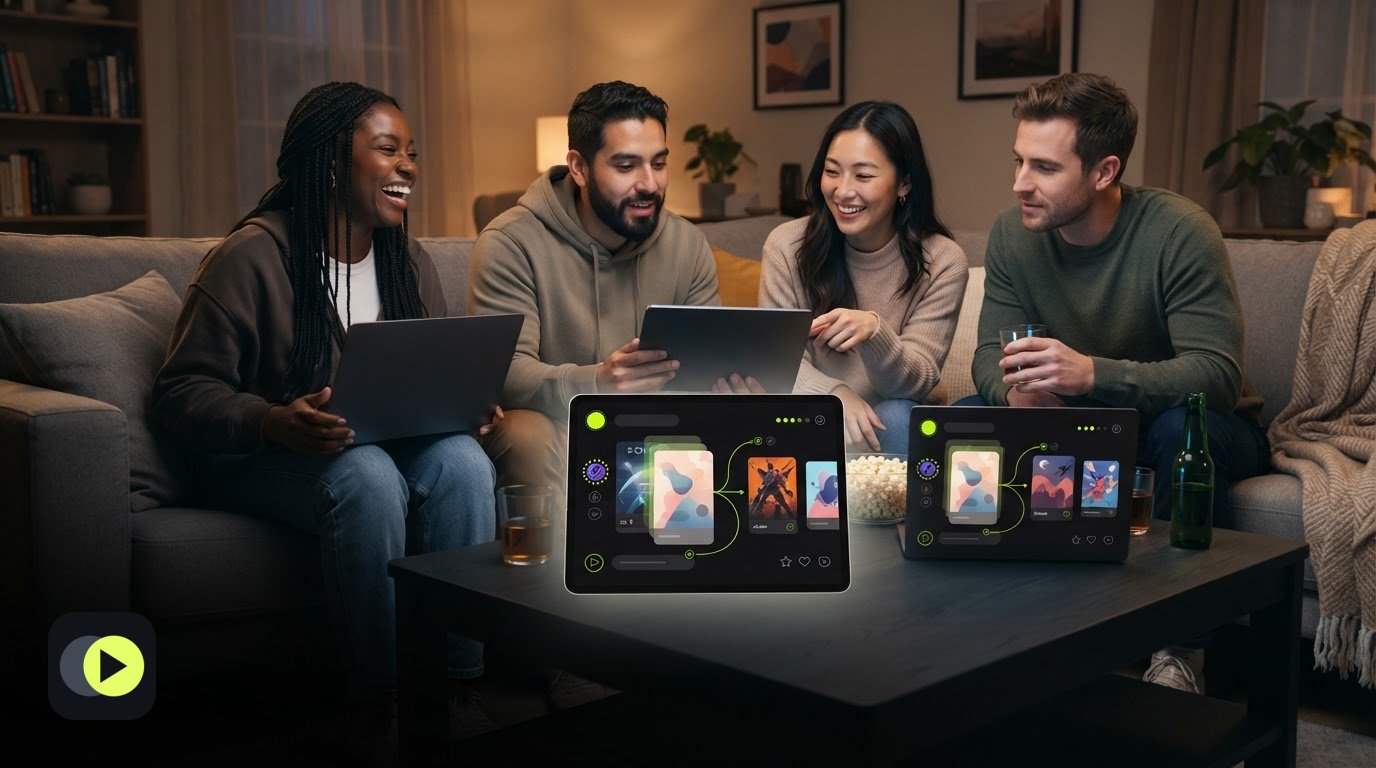
Friday’s group chat has a dozen show suggestions, but nobody knows which ones everyone has already watched or wants to try. A tv show decider for friends works best when it separates personal interest from the group shortlist. One person’s pick can be a candidate without becoming the group’s choice.
Keep suggestions, watched status, and interest in one shared place, then compare and rank the options together. This guide covers how to organize suggestions, account for different tastes, and verify a title’s exact season, region, subscription plan, price, and availability with the destination service. With Unscene, signed-in members can use a shared room to compare candidate titles and plan a future viewing night. The app helps organize the choice, but it does not stream shows or guarantee agreement.
Table of Contents
What a Shared TV Show Watchlist for Friends Should Do
A shared TV show watchlist is a group’s organized set of series to consider, not a record of what everyone has watched together. Keep suggestions out of scattered chats and give each title a clear place in the conversation. A useful tv show decider for friends makes it easier to compare possibilities without treating one person’s enthusiasm as a group verdict.
Separate three kinds of information:
- Personal interest: A friend is curious about a series or willing to watch it.
- Shared candidates: The group is considering the title and can compare or rank it alongside other options.
- Viewing history: A person marks what they have watched. That individual record does not prove the group watched together.
Shared shortlist, personal choices, and viewing history are different
Keep these categories distinct so an already-watched show does not look like a fresh option, and one friend’s enthusiasm is not mistaken for everyone’s preference. A watchlist generally tracks items of interest. The Wikipedia Watchlist page, for example, describes monitoring Wikipedia pages rather than tracking TV viewing. For a group, use the shortlist to compare candidates and personal choices to understand individual interest.
Unscene is a signed-in TV discovery and planning app. Members answer title cards, save private watched and watch-interest choices, then use shared rooms to compare and rank candidates. It does not stream shows or synchronize outside watchlists. A room plan is not proof of attendance, a completed watch, or agreement. Title details, ratings, and viewing options come from external services and may be incomplete or delayed. Verify the exact title or season, region, subscription plan, price, and current availability with the destination service.
How Friends Can Build and Use a Shared TV Show Watchlist
Give every suggestion a clear path from chat to decision. A shared process helps friends compare preferences without assuming a quiet group member has voted or that the most popular pick suits everyone. Before you start, agree on what matters for this watch: genre, tone, episode length, or whether the group wants a series that can be sampled or one to follow over time.
Turn scattered suggestions into a ranked group shortlist
Start with discovery. Browse by mood or genre, or use a guide such as TV Show Recommendations for Every Mood: A 2026 Guide to find possible directions. Then follow these steps:
- Collect candidates. Add series people mention, remove duplicates, and make sure the group is discussing the same title. If a series has multiple seasons or versions, note which one is under consideration.
- Record individual interest. Each friend can mark a show as already watched, interesting, or not their pick. Treat each response as that person’s view, not a group verdict.
- Rank the options. Ask participating members to rank their favorites in a shared room. A ranking shows relative interest among the responses received. It does not guarantee consensus or show that everyone took part.
- Choose a next step. Review the leading candidates together. Consider whether the group wants a particular mood or commitment, then choose a show to discuss or plan. Leave room for someone to pass or suggest another option.
A tv show decider for friends should make preferences easier to see, not turn a ranking into a forced vote. Unscene’s shared rooms let signed-in members compare and rank candidates while planning a future viewing night.
Before settling on a show, check the destination service for the exact title or season, your region, subscription plan, price, and current availability. Listings can change or lag behind, so confirm the option where you plan to watch.
Use Unscene to Compare TV Choices and Plan With Friends
Move from individual preferences to a shared plan with a few clear steps. Sign in to Unscene, answer title cards, and save which series you have watched or would consider. Then use a shared room to compare candidate titles, rank choices, and plan a future viewing night. Individual choices can inform the discussion without speaking for the whole group.
Invite your friends to join the room. Each person must sign in and select “Join now” to participate. An invitation email alone does not confirm that someone joined, watched a show, or agreed with the group’s choice. Review the responses in the room before treating a candidate as a shared pick.
Check title details and set clear expectations before the watch night
Use the room to organize the decision, not to play the series. Unscene does not stream shows or synchronize playback. Before making plans, check the destination service for the exact title or season, your region, subscription plan, price, and current availability. Third-party title details and viewing options may be incomplete or delayed, so confirm the listing where you plan to watch.
A tv show decider for friends can make preferences easier to compare, but the group still decides what to do next. Agree on the series, make sure anyone who wants to participate has joined, and share where the title is available. A plan is not proof that everyone will attend or that the group has completed a watch.
Make Your Next Series Pick Together
A tv show decider for friends works best when everyone can share an opinion without turning one response into the group’s decision. Keep the shortlist flexible. A series can be worth discussing even if it is not everyone’s first choice. Private watched and watch-interest choices help show individual perspectives, while a shared room lets friends compare and rank candidates as a starting point for conversation.
For your next pick, invite friends to participate, review the options together, and agree on a next step. Treat the shortlist as a starting point, not a verdict. A useful choice reflects what the group is interested in trying while leaving room for different tastes.
Bring your friends’ ideas together in a shared room and plan your next viewing night with Unscene.
Frequently Asked Questions
Can friends make a shared TV show watchlist without using the same streaming service?
Yes. Friends can collect and compare series even if they use different services or personal media. A shared list helps with the choice, but it does not grant access to a show. Before making plans, each person should check whether they can watch the selected title through their own service, subscription plan, or media. Confirm access to the specific season the group is considering.
Does a shared TV watchlist show where a series is streaming?
Unscene may show viewing options from external services, but those details can be incomplete or delayed. Treat them as a starting point, not a guarantee. Check the destination service for the exact title or season, region, subscription tier, price, and current availability. A series may require a different plan or a separate rental.
How can friends decide what TV show to watch together?
Use a tv show decider for friends to gather suggestions, then ask each person to mark whether they have seen a series or would consider it. Compare responses and rank a manageable set of candidates. If two shows stand out, discuss what the group wants from the viewing night, such as a lighter comedy or an ongoing drama, before choosing a next step.
Does Unscene synchronize TV playback or outside watchlists?
No. Unscene helps friends discover and plan what to watch, but it does not synchronize playback or connect with outside watchlists. Each person watches through the service or media they can access. To join a shared room, an invited friend must sign in and select “Join now.” Receiving an invitation email by itself does not mean they have joined.